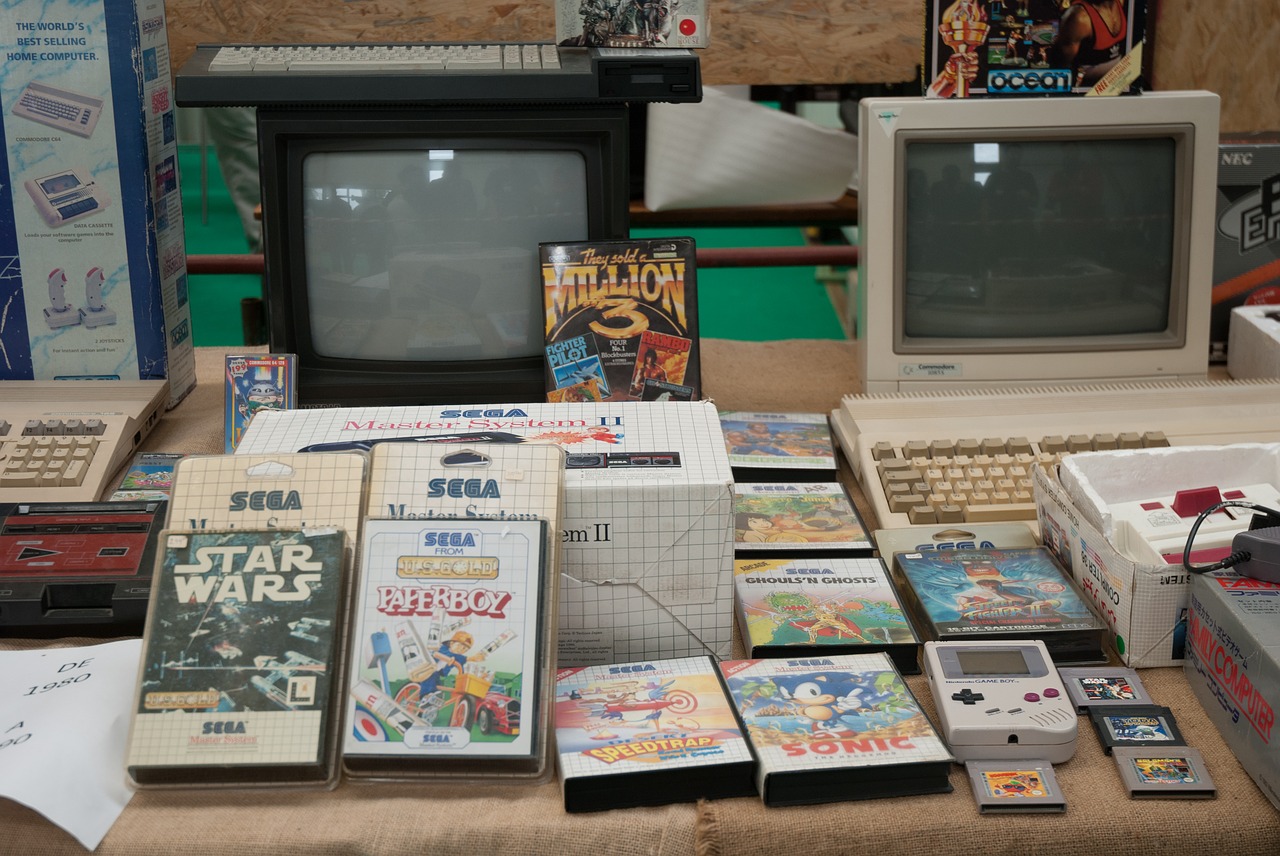
Start with the games you miss. If you want a few rounds of Alien Breed, try a licensed collection or Antstream before buying another computer. If you’ve still got a drawer full of Game Boy cartridges, look for a machine with a slot for them. And if you miss typing LOAD “” as much as you miss Manic Miner, a new Spectrum might be money well spent.
For most people, the best first step is to use the PC, console or phone already within reach. Pick one game and check which version you want. Then decide whether you need to play offline, use a particular controller or keep using the cartridges and disks you already own.
Play on your PC, phone or console
On Windows, macOS or Linux, software emulation is a good place to start. RetroArch brings several emulators, called cores, together in one menu. It also runs on phones, which makes sense for a quick game if you have a controller or don’t mind touch controls. For home computers, I’d start with a dedicated emulator: Fuse for the ZX Spectrum, VICE for the Commodore 64, Hatari for the Atari ST or WinUAE for the Amiga on Windows. It’s easier to find the controls and machine settings when the emulator has one system to deal with.
For arcade games, try MAME. An arcade ROM set contains the files for a particular board and game version. If a game fails to start, check whether your set matches your version of MAME before changing any settings. For DOS games, try DOSBox Staging. For adventures such as The Secret of Monkey Island, ScummVM runs the original game data using a replacement engine. You still need the data from a supported edition.
Get one game working before setting up a library. Some systems also need a separate firmware file, often called a BIOS. For the Amiga, check which Kickstart ROM the game and emulator expect. Amiga Forever supplies licensed versions. For games, start with a current reissue, an authorised download or a homebrew release from its developer.
If you’d rather skip the setup, look for a packaged PC release on GOG or a collection on your console. Nintendo Switch Online includes selected NES, SNES and Game Boy games. The Expansion Pack adds libraries including Nintendo 64, Game Boy Advance and Mega Drive. Check the catalogue for the title you want before subscribing.
Antstream Arcade streams licensed retro games over the internet. It works on PCs, Macs, Xbox, PlayStation, phones and in a browser, among other options. You don’t need to organise ROM files, and challenges and leaderboards give you a reason to go back to a game you already know. I’d use it for an evening spent sampling games from several machines. For a journey without reliable internet or a game where input delay bothers you, play locally instead.
Bring back the Spectrum, C64 or Amiga
The ZX Spectrum Next makes sense if you miss using a Spectrum as a computer. It has a working keyboard, HDMI and SD storage. It runs older 48K and 128K Spectrum software and has its own library of games written for the Next. Those games use features such as hardware sprites and new graphics modes. The NexClash patches show what the extra hardware also brings to older games, using sprites to stop moving figures changing colour as they cross the scenery. You supply the matching game files. ScummNext goes in another direction: it runs the CD edition of The Secret of Monkey Island on a Next with 2 MB of RAM, using game data you supply.
The Commodore 64 Ultimate, or C64U, puts an FPGA recreation of the C64 inside a full-size computer with a keyboard, HDMI and USB. It retains connections for original cartridges, joysticks and disk drives. If you have a favourite joystick and a shelf of disks, those sockets are a good reason to pick one over a PC emulator.
Retro Games Ltd takes a different approach with The Spectrum and THEA500 Mini. The Spectrum has a working keyboard, 48 built-in games and a BASIC mode. THEA500 Mini includes 25 games, among them Another World and Worms, and loads additional software from USB. The miniature keyboard is decorative, so bring a USB keyboard if you want to type. Retro Games Ltd lists the full-size THEA1200 for pre-order. It pairs a working keyboard with Workbench 3.1. All three use software emulation.
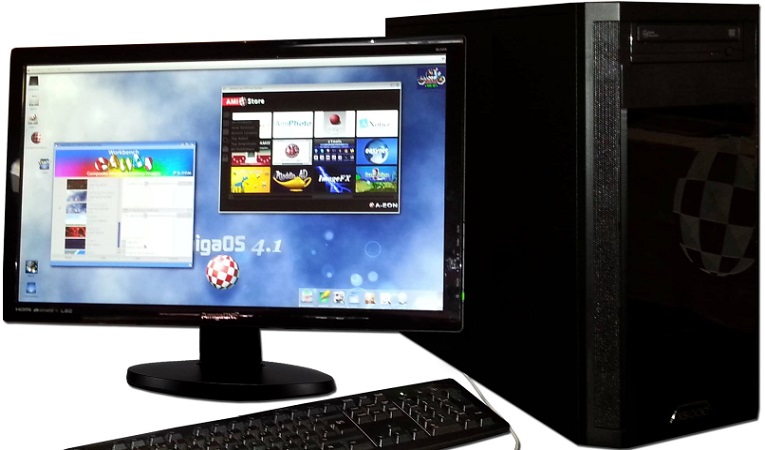
There’s also the modern AmigaOS route. The AmigaOne X5000 and A1222 Plus are PowerPC computers designed to run AmigaOS 4.1. They’re for people who want the newer Workbench or software written for it. Many older games expect the classic Amiga’s graphics and sound chips, so they need emulation on these machines. RunInUAE helps launch those games under AmigaOS. If your priority is the classic hardware itself, look at an FPGA recreation such as the Apollo V4 Standalone and check your games against its compatibility.
Choose between FPGA boards, cartridges and handhelds
An FPGA is a chip you configure to reproduce digital hardware. A core describes the machine it should implement. For several systems in one box, start with MiSTer. The project uses Terasic’s DE10-Nano, with compatible alternatives such as Retro Remake’s MiSTer Pi. Check which cores need extra SDRAM and whether your kit includes it. The FPGA label alone doesn’t promise compatibility with every game or remove delay from your TV.
Sipeed’s Tang range is a good place to look if building the setup is part of the appeal. MiSTeryNano brings the Atari ST and STE to supported boards including the Tang Nano 20K. NanoMig brings the Amiga’s Minimig core to the 20K and other Tang boards. There’s also a C64 core for the 20K. NESTang and SNESTang cover Nintendo’s 8-bit and 16-bit consoles on supported boards, while VIC20Nano has a build for the smaller Tang Nano 9K. The Tang Primer 25K and Tang Mega 138K Pro appear in several of these projects. Start with the core’s hardware list and check which extras you need for controllers, storage and video. The 9K and 20K aren’t interchangeable.
Evercade is for collecting licensed games on new physical cartridges. Pick the EXP-R to play in your hands or the VS-R for the TV. Analogue Pocket serves a different collection: it plays original Game Boy, Game Boy Color and Game Boy Advance cartridges directly. Its optional Dock adds TV output, and openFPGA lets you run community cores.
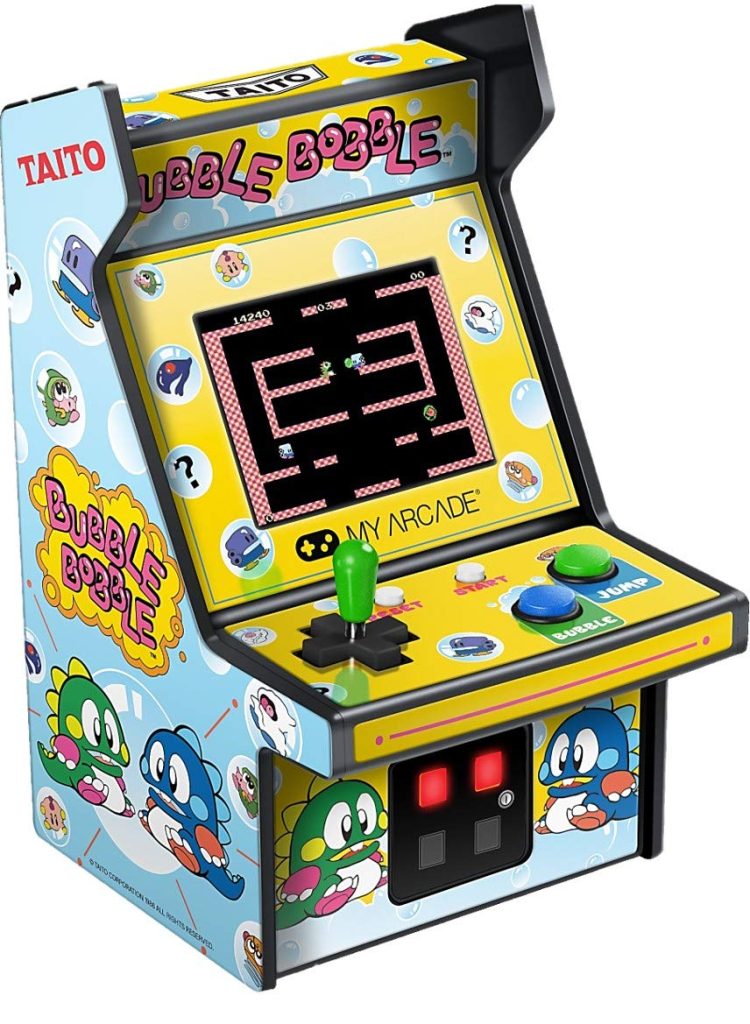
If you miss playing with a stick and buttons, home arcade cabinets come in several sizes. My Arcade’s Bubble Bobble Micro Player is small enough to sit beside a monitor. Numskull’s Quarter Arcades version of Bubble Bobble takes a different approach: it’s a playable wooden replica of Taito’s original cabinet at quarter scale. The Evercade Alpha is a larger bartop with built-in games and slots for Evercade cartridges. If you want to stand up to play, Arcade1Up’s Deluxe range includes floor-standing cabinets.
For a library you load yourself, Anbernic offers the Linux-based RG35XXSP clamshell and the Android-based RG556. If you own a Steam Deck, EmuDeck helps install and configure emulators. You still supply the games. Before choosing a handheld, think about how you played your favourites. A D-pad suits Tetris. You’ll miss a mouse in a game built around pointing and clicking.
Finally, if your original console works and you still enjoy using it, a video scaler such as the RetroTINK-5X Pro connects supported analogue outputs to an HDMI display. Check the console’s output and the cable it needs first. Sometimes the only part of your retro setup you need to replace is the television connection.