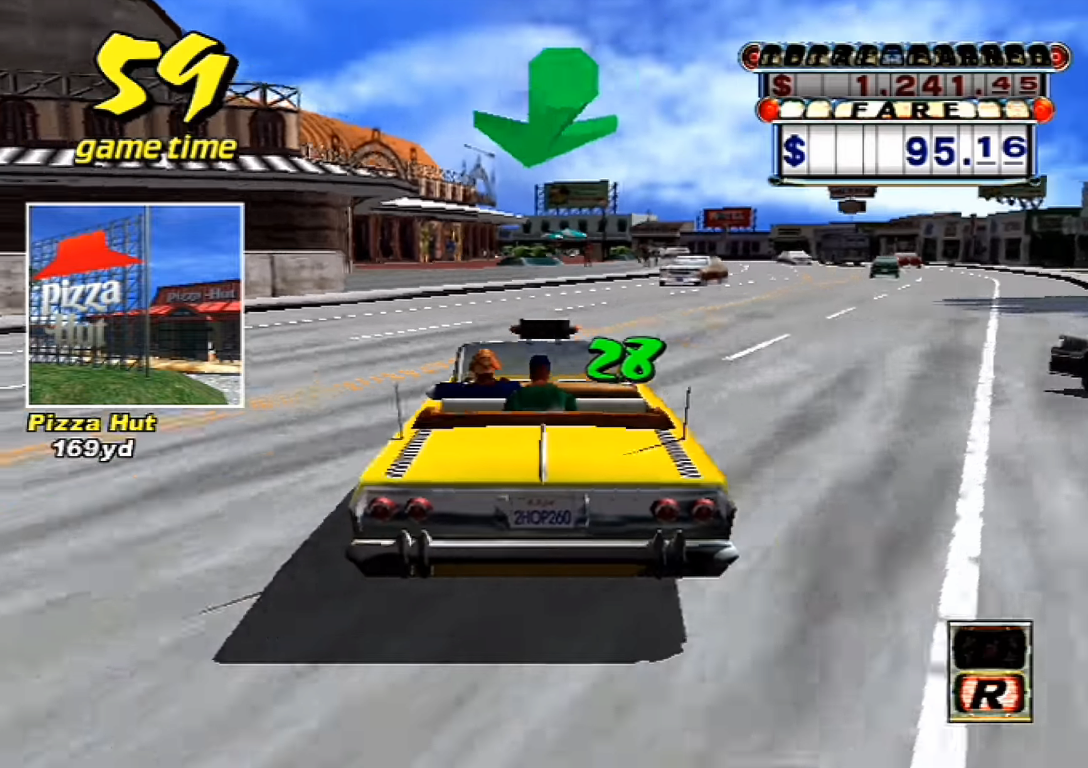
NotDC has reached its first public release for PlayStation 3 owners with a homebrew setup. Developer Mayo1970 released the Dreamcast emulator’s version 0.8 on 18th October. Version 0.8.1 followed on 19th October, addressing crashes involving Crazy Taxi, Virtua Tennis, Illbleed and other games.
The hotfix corrects a preset which the developer left unchanged for launch. For the update, you need to remove NotDC.cfg from /dev_hdd0/data/NotDC before installing the new package. Replacing the package alone leaves the existing configuration in place, according to the project’s setup notes.
Early feedback helped identify the problem. On PSX-Place, a player reported a console crash after earning an S licence in Crazy Taxi’s arcade mode. Mayo acknowledged the report, traced the issue to a default setting and subsequently confirmed fixes for several affected games.
NotDC runs on a PS3 with custom firmware or HEN and uses the open-source PSL1GHT development tools. Its downloadable package contains neither a Dreamcast BIOS nor games. You need to supply those separately before selecting a disc image from the launcher.
The emulator accepts CDI, GDI and CHD disc images. It also supports Apollo Save Tool for extracting, inserting and editing saves within VMU images. This gives players a way to manage their Dreamcast save data.
Game compatibility and setup
Mayo reports full-speed results in many games, alongside slower performance and graphical problems elsewhere. The project still lists Windows CE games and demanding titles such as Dead or Alive 2 and Quake III Arena among its performance limitations.
The launch discussion also records graphical issues in Marvel vs. Capcom 2 and Capcom vs. SNK 2. Mayo acknowledges the latter’s display glitch, while separating it from a gameplay problem. Players therefore need game-specific compatibility information, including any reported faults.
To get started, install notdc_ps3.pkg through the XMB Package Manager. The required dc_boot.bin belongs in /dev_hdd0/data/NotDC/data/. Disc images go in the project’s discs folder or on a USB drive, and the application starts from the Game column.
An optional dc_flash.bin goes beside the BIOS file. Without it, NotDC creates a flash configuration using USA, English and NTSC settings. VMU saves use raw 128KB images in /dev_hdd0/savedata/vmu/, separate from the application’s disc-image folder.
The testing process asks players to use default settings first, go beyond introductions and menus, and describe faults precisely. Existing reports should receive further comments rather than duplicate issues. Reports distinguish games which only boot or reach menus from playable games and those with no issues found. The maintainer approves entries before adding them to the compatibility list.
NotDC began from the nullDC4Wii port, with Mayo previously explaining its use of improvements from Reicast and Minicast. The project credits those upstream developers alongside Flycast. The download, setup instructions and compatibility reporting links are available through its GitHub repository.